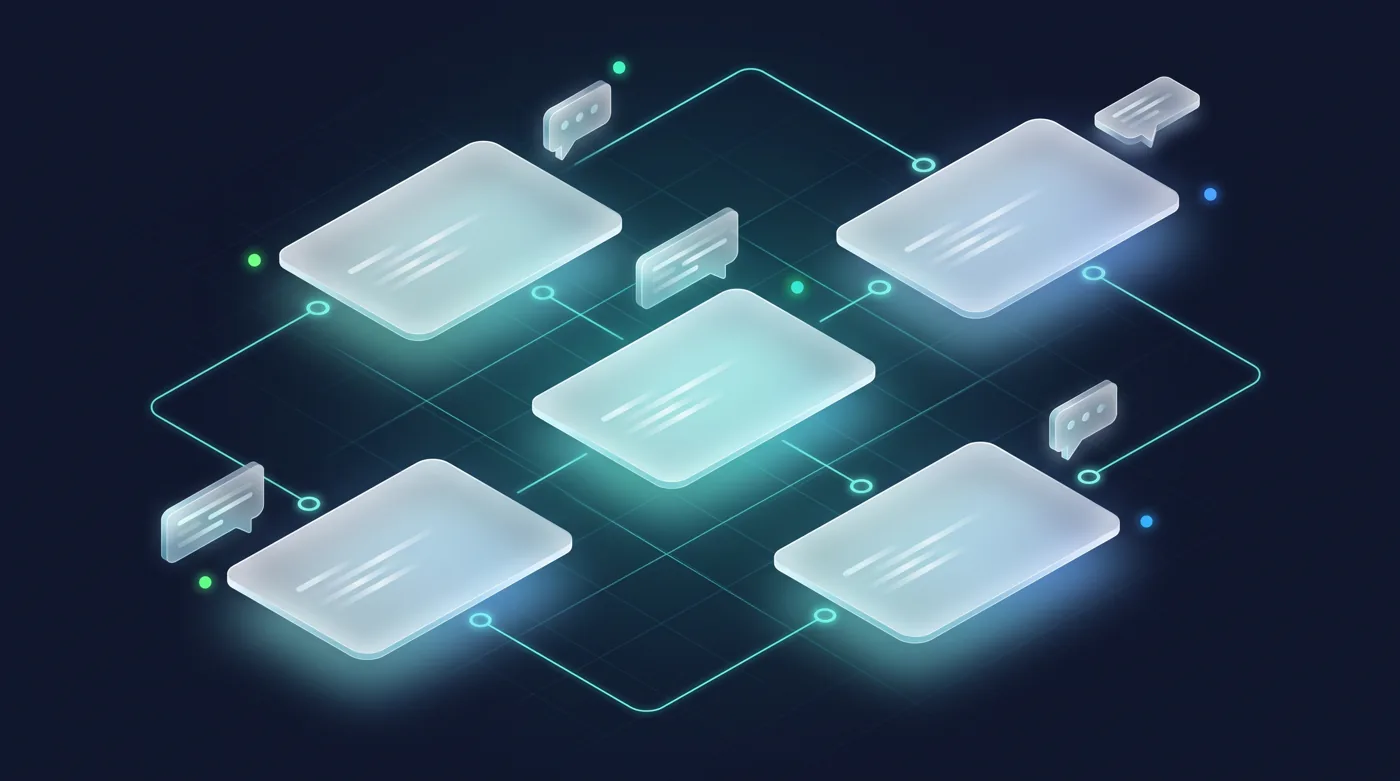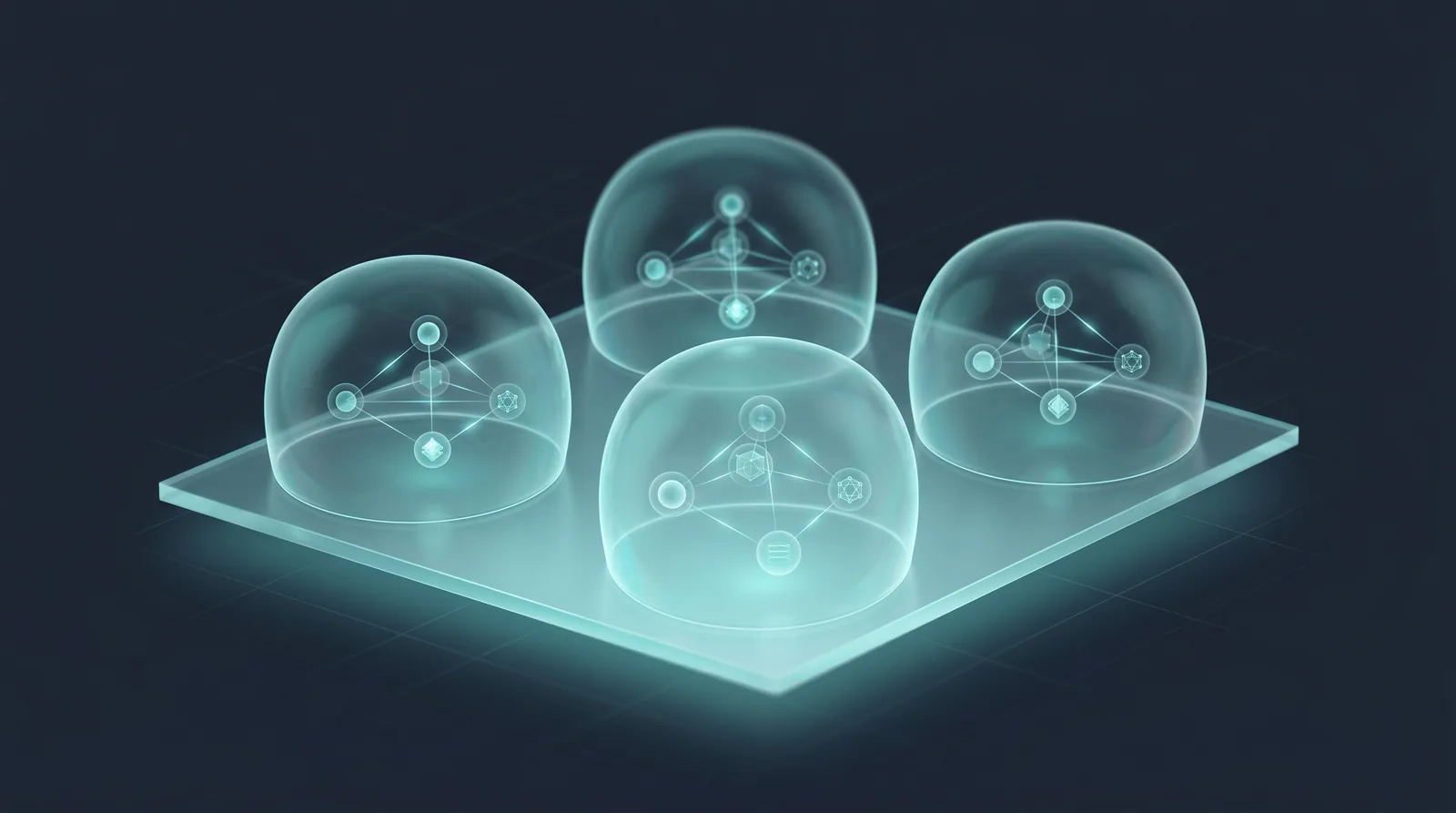
A central data platform team wants to offer federation as a service without giving every team a window into every other team’s data. SemanticFed is designed with workspace isolation from the ground up.
Each source, semantic model, policy, and audit log belongs to a workspace, so isolation, permissions, and multi-tenancy are built in rather than bolted on. A platform team runs one system; each consuming team gets its own governed federation.
Identity and authorization are inherited from the underlying Burdenoff platform, so SemanticFed does not reinvent auth — it enforces it consistently across every tenant.
Workspace administration and global tenant administration are different capabilities. The global Tenants console is reserved for platform super-admins and is unavailable to ordinary SemanticFed members and workspace administrators. Its availability also depends on the platform’s tenant-management feature flags. Viewing a tenant list does not prove isolation: that requires separate authorization tests using accounts and resources in different workspaces and tenants.
Illustrative scenario — not a record of a real deployment or a customer result.
Do it yourself
Organize each team’s federation in a workspace with scoped roles. Global tenant administration is a platform super-admin surface, not a self-service step. This walkthrough does not verify cross-tenant isolation; that requires separate authorization tests.
Open Workspaces to see the workspaces you operate federation for.
You should see: Your workspaces load, each its own isolated container.
Ready to make this your story?